Your apps. One clear place.
App shortcuts and TV inputs come together in an interface you can navigate with your remote.
SUCKER PUNCH AB / ENJOY TV
Setup in 5 minutes only using your mobile
Enjoy TV is in development. Follow the product here.
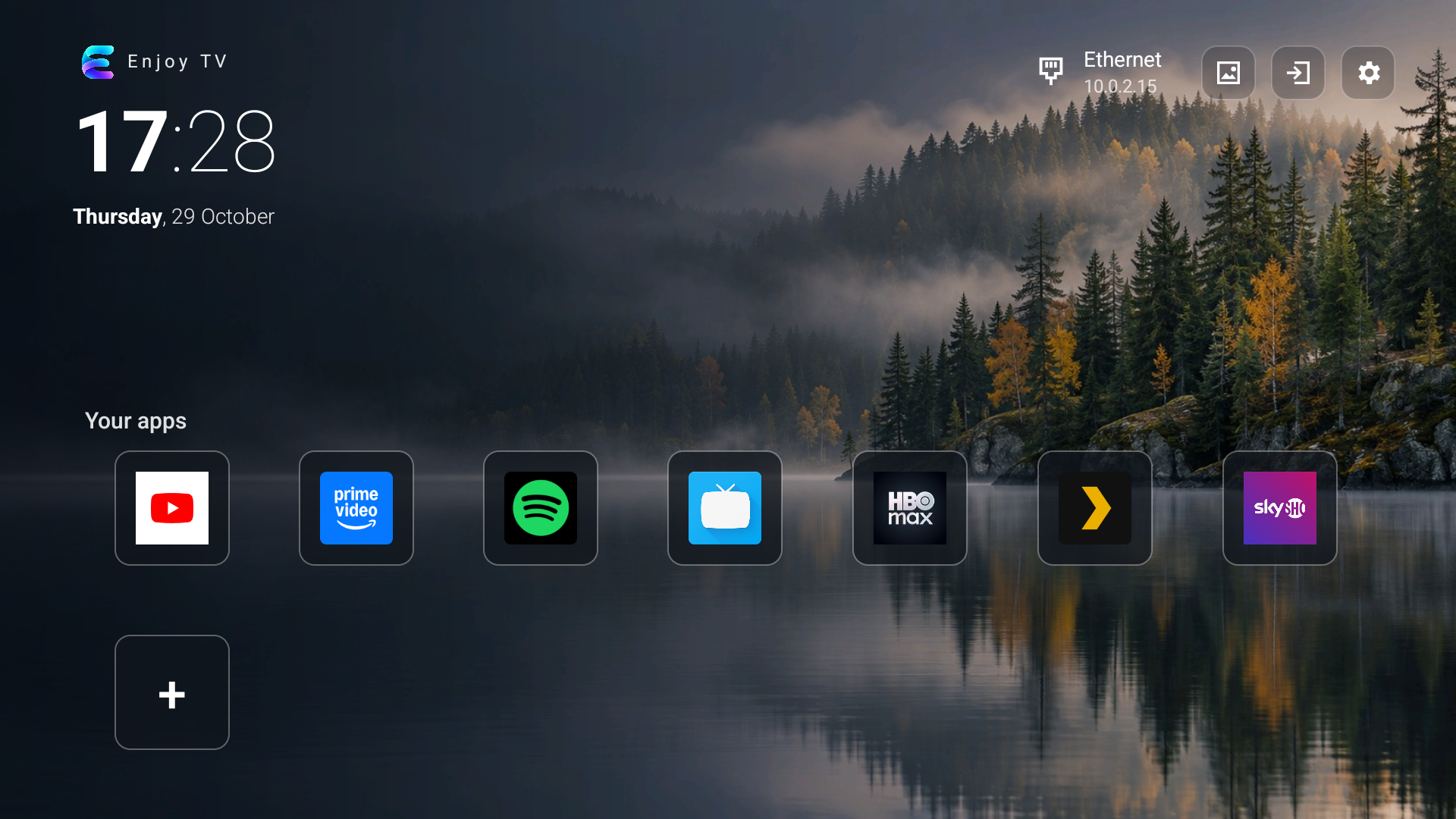
Enjoy TV 0.11 · actual screenshot from the test version
01 / THE PRODUCT
In development
A personal home screen built around your apps. Choose a background, navigation sound and your own title — and find apps, inputs and settings easily.
App shortcuts and TV inputs come together in an interface you can navigate with your remote.
Backgrounds, coloured icons and optional click sounds. Write your own welcome text and choose Swedish or English in the launcher.
The planned mobile setup starts with a free check. Support, debugging access and installation options vary between TV models.
The public app has not launched yet. Read user reports here or get in touch.
That depends on the model, Android version and firmware. The public list collects user reports and is not independent certification. The planned mobile app checks the TV before purchase.
See reported TV models ↗Enjoy TV is not yet on sale. The mobile app and setup process are being prepared and tested. A public download is not available here yet.
A launcher is your TV’s home screen — where you find and open apps. Enjoy TV provides an alternative interface; it does not update Android or the TV firmware.
Optional compatibility reports help others find TV models that users have tried. The public list shows only manufacturer, model and Android version.
Read the privacy policy ↗